







12-25-2023, 01:58 PM
Languages: English
File Size: 7.93 MB
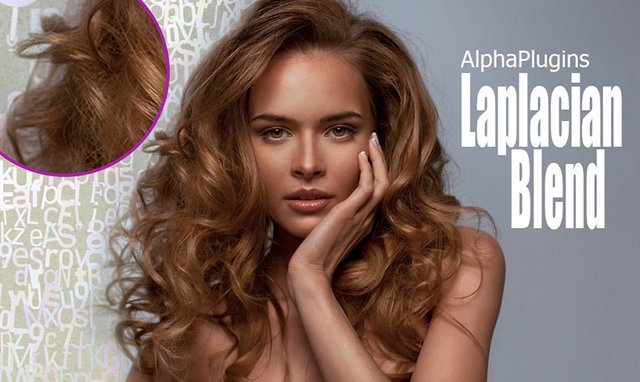
AlphaPlugins Laplacian Blend - the simple plug-in for Adobe Photoshop that lets mix two pictures with a sophisticated algorithm and obtain more qualitative results than traditional blending tools allow. The Laplacian Blending lets differently mix different parts of source images. Parts with low-frequently details will be mixed strongly, parts with high-frequently details be mixed less. As result two images are looked as interwoven and mutual permeated each to each.
The Laplacian Blending method is very helpful for accurately mixing images contains so natural objects like grass, hairs, bushes, human faces and etc. The Laplacian Blending is known method and it can be found in special math libraries. But for Photoshop users this method was not available previously. AlphaPlugins introduces a new plug-in what makes the amazing Laplacian Blending math available and for Photoshop users to.
Main Features
- Unique, convenient and powerful tool for Laplacian blending of two images
- Can organically work in multilayer Photoshop's composition
- Support native Photoshop image modes such as Grayscale, RGB, CMYK
- Modern and powerful user interface for efficient work
Release Notes
All our Photoshop's plug-ins were adopted to work with Serif Affinity Photo 2 editor. Now you can choose Affinity plug-ins folder as a destination folder during installation.
System Requirements
- Windows OS 95-2000, XP(32/64Bit), Vista (32/64Bit), Windows 7, Windows 8, 10, 11 or later
- 1.2 GHz processor or higher
- At least 256 megabytes of RAM or more
- Graphics card 16-bit color, and 256MB of VRAM or higher
- 1024 x 768 display or bigger
- Adobe Photoshop CS5 - CC2023 or later
Information
Also you can use Photoshop compatible editors which support Photoshop plug-ins like Corel Photo-Paint, Corel PaintShop Pro, JASC PaintShop Pro, Xara Picture Editor, GIMP, Ulead PhotoImpact and etc.
Homepage
https://www.alphaplugins.com

Download From Rapidgator
https://rapidgator.net/file/86b5b70a896b...f04bd908d3