







2 hours ago

File size: 5.26 MB
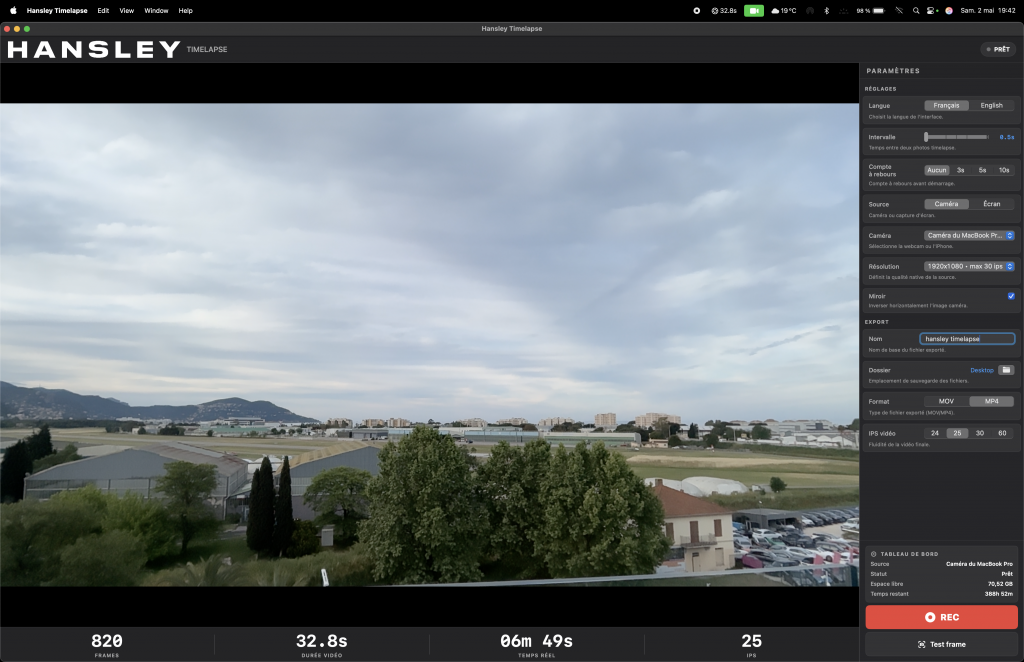
timeLAPSE will take a silent screenshot of your Mac's desktop automatically and periodically at an interval according to your setup, from between 10 seconds to 24 hours. All captured screenshots will be saved in a folder of your choosing. Then, these captured screenshots can be linked and compiled into a continuously played time-lapse video at any time.
timeLAPSE is ideal for computer security and educational usage like as a child computer behavior monitor, it's also very useful for medical care professionals, law enforcement personnel, journalist and researchers, to act as a computer event tracking and analyzing app.
You may even use it to create your attractive personal video diary or freelancer's invoice attachment and share it with friends and clients.
System Requirements
macOS 11.0 or later,
Supports Intel and Apple Silicon Macs
Screen :
What's New
Code:
official site does not provide any info about changes in this version.HOMEPAGE
Code:
https://apps.apple.com/us/app/timelapse/id449502656?mt=12Buy Premium Account From My Download Links & Get Fastest Speed.
Code:
https://nitroflare.com/view/DD95D9AE219DF74/timeLAPSE_2.68.dmgCode:
https://rapidgator.net/file/bd09a2bb52f6eae3ad29c3e2ebba0fe1/timeLAPSE_2.68.dmg.html Follow my Unique updates in my Website : downtopc.com